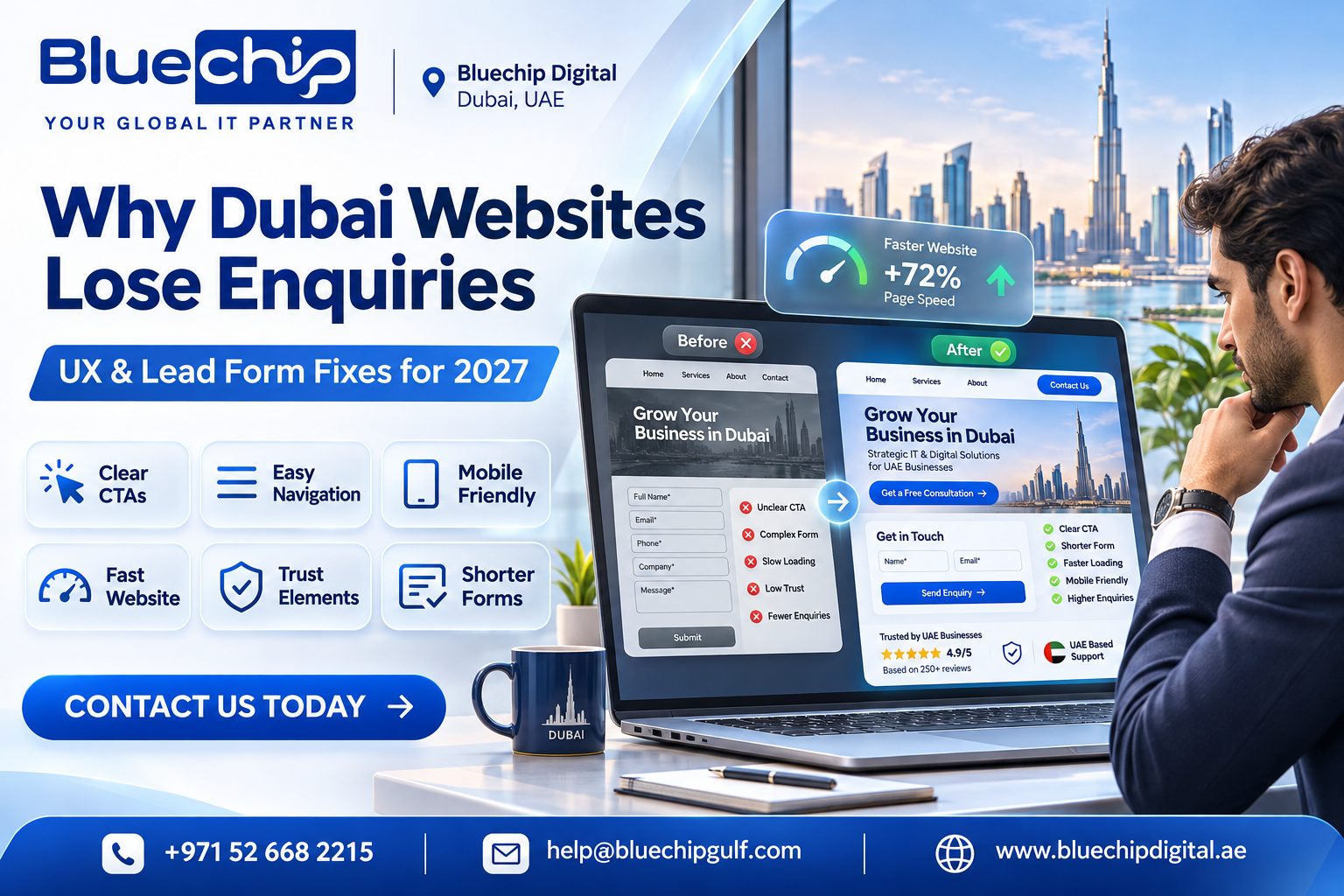
Why Dubai Business Websites Lose Enquiries + How To Fix With UX & Lead Form Fixes In 2027
A business website will often be the first stop for potential customers. Whether they have found your brand via Google, Social Media or Online Advertising, they expect to gain a quick understanding of what you offer and an easy way to take action.
Unfortunately having an appealing website doesn’t always drive leads. Many businesses in Dubai lack the ability to turn website traffic into potential customers. This is often due to confusing navigation, slow websites, unclear information, ineffective CTAs and long contact forms.
Your Dubai web design should be user friendly with great UX.
Why Are My Dubai Business Websites Losing Enquiries?
Your website could be losing potential customers due to customers not being able to understand what you offer and not having an easy way to get in touch.
Common reasons for this include:
- Unclear Home Page Information
- Complicated Navigation
- Slow Pages (Mobile)
- Contact Forms Asking Too Much
- No CTA Buttons Or Not In The Right Place
- Few Reviews & Trust Elements
- Forms Not Working
All of these issues will cause frustration for customers and may cause them to leave and go to a competitors website.
6 Common Web Design Issues Causing Fewer Enquiries
Unclear Home Page Information
Your home page should give visitors an instant understanding of what your business offers. Generic phrases such as ‘Welcome to our website’ won’t tell people what value you offer.
Instead use clear home page headings telling customers what service you offer. For example if you offer Accounting in Dubai, use “Professional Accounting & Tax Support For Businesses In Dubai”.
This will help customers understand what you offer.
Confusing Navigation
Visitors should be able to find your services, about us and contact information easily.
Your Dubai web design company should design your website so menus are easy to find based on what your customers need. Having key pages such as Services, About Us & Contact Us in clear places.
Having an easy to use navigation will encourage people to explore your website.
Not Mobile Friendly
Many people will visit your business website on their smartphone. If buttons are hard to click, text is too small or contact forms don’t fit on screen people may leave.
Investing in responsive web design for your UAE business will allow your website to adapt to different sizes, images, menus and contact forms on smartphones, tablets & desktops.
Ineffective CTA Buttons
A CTA button tells people what to do next. If you don’t have clear CTAs people may just browse your website.
Useful CTAs include:
- Free Quote
- Book A Consultation
- Get In Touch
- Speak To Our Team
Place these in clear places on your home page, service pages and other important areas.
No Trust Elements
People will be more likely to get in touch if they trust your business.
Including genuine testimonials, reviews, successful projects, relevant certificates & clear contact information will help build credibility.
Slow Website
A slow website will frustrate people and cause them to leave.
Common reasons for slow websites include large images, extra plugins, too much animation & unoptimised scripts.
A trusted web design company for your Dubai business should consider performance when designing your website. Using image compression, efficient coding and regular performance checks can help speed up your website.
How To Improve Contact Forms
If your contact form is difficult to complete people may leave despite being interested.
Keep it short by asking for only the necessary information such as Name, Email, Phone Number, Service Required & Short Message.
Be clear with all fields so people know what information they need to enter. Don’t use confusing instructions or ask unnecessary questions.
Make sure it is mobile friendly. All text should be easy to read, buttons should be easy to click and forms should work.
Include confirmation messages. Let people know their enquiry has been received and when they can expect a reply.
Give other contact options. Include click to call numbers & WhatsApp buttons.
Regularly test your forms to ensure they are sending enquiries to the correct email or CRM.
How Bluechip Digital Approach Web Designing In Dubai
When looking for web design services in Dubai ensure your website looks great and works well.
Bluechip Digital specialise in creating responsive, easy to navigate and unique interfaces. (Web Designing Dubai).
Their published approach shows they use clean designs, clear CTAs, consistent branding, responsive design & search friendly design. They offer CMS, E-Commerce & Application Development.
This is important to ensure your website is effective at conveying your brand, whilst making it easy for people to explore your services & get in touch.
To learn more visit Bluechip Digital’s official website.
FAQ
Why are my business websites not performing well on mobile in Dubai?
If your website is taking too long to load, the contact button is hard to find or the enquiry form is difficult to fill out, people will leave your site. Large banners can cause important service information to move down the page and text boxes can be very small causing typos. Some visitors to your Dubai business site will want to phone or message you on the go. If the click to call feature doesn’t work properly then you could lose an interested prospect. Check your website performance in your analytics tool to ensure you know how your website is performing on mobile. Test your whole journey on an actual phone. This will help you to see how fast your website is loading, text is easy to read, buttons are easy to tap and any error messages appear. If there are any issues that are causing customers to stop, fix these first before doing any wider design changes.
How should I adapt my website forms to increase enquiry completion and quality?
Keep your form short and easy to complete on a mobile. Your team will want to know basic information like name, contact details, company and a short description of their project requirement to begin with. If needed include a small dropdown to ask what service they need, however keep this short. Don’t include lengthy mandatory questions. Make sure all your text is clear, including explanations of what will happen once the form has been submitted. If there is an error keep the information they have already filled in. Ensure email and phone number fields are validated but still allow valid international formats. Only mark a lead as completed once they have successfully submitted the form. This can then be tracked in your analytics and CRM. The form may be short however this can cause low quality enquiries. Consider how many forms are being completed successfully and how many are being accepted by sales.
How can we test if our contact forms are accessible?
First try completing the form using just your keyboard. All the fields and buttons should be accessible. The focus should be easy to see. Check that all fields have labelled programmatically, mandatory fields have explanations and errors can be seen by text. Try using a screen reader to navigate through the form. Check that the text has good contrast, can be zoomed in on, is displayed well on small screens and buttons are large enough to tap. If your website is in Arabic, check the form works well in right to left format. Whilst there are many tools that can help identify common accessibility issues, nothing can replace human testing. The W3C Web Accessibility Initiative has some great tips for forms.
What should I consider for an enquiry flow in Arabic and English?
Both Arabic and English visitors should have a complete and easy to understand enquiry flow. This includes translating service text, form labels, validation, privacy text, confirmation screen and reply emails. Whilst Arabic pages should have right to left formatting, telephone numbers, email addresses and technical terms will need to be carefully formatted. When switching between languages the information shouldn’t be lost. This should be noted in the CRM so the sales team know what language the customer prefers. For SEO, make sure you have the correct crawlable URLs for your translated pages. Use flang annotations where appropriate. Get someone who is knowledgeable in Arabic to test the process on a mobile. Be wary of literal translations as this can cause confusion with service requirements and instructions.


